🎙️ AI Is Not the Only Technology Lawyers Must Master: Why You Should Attend the Lawyers' Podcasting Conference, November 13–14, 2026, in Washington, DC
/
From AI Security to Podcasting: Essential Technology Lessons for Lawyers
Yesterday I had the privilege of presenting "Prompting and Security" during the Pennsylvania Bar Institute's program, "Practical AI for Lawyers: The Tools and the Rules." 🤖 Thank you to PBI and to every attorney who joined us. Your questions were sharp. Your concerns were well-founded.
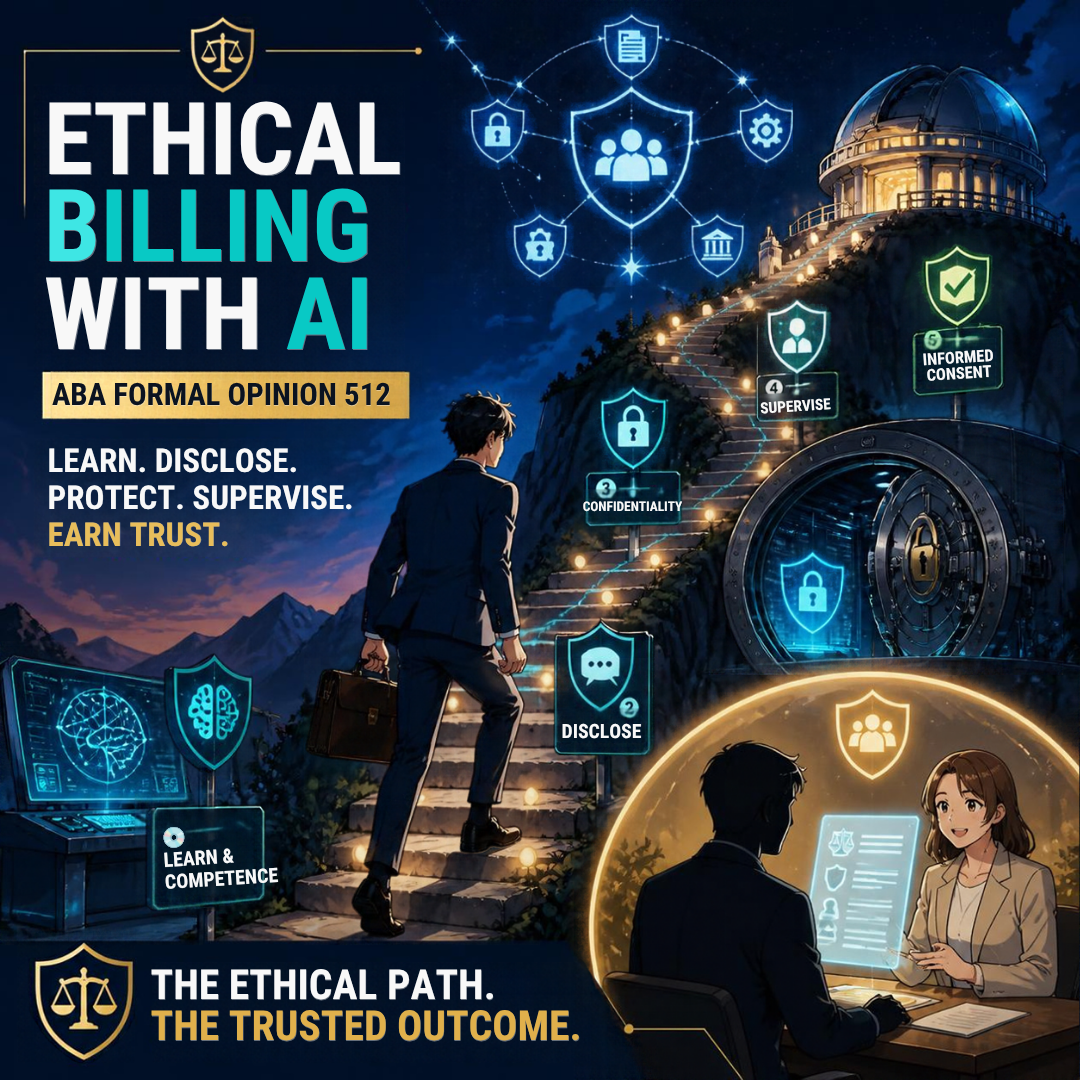
My core message was simple. A prompt is a disclosure, a data transfer, and a record. 🔐 Every time you paste text into a generative AI tool, you send words to a third party. Those words may be stored, reviewed, or used to train a model. We walked through Pennsylvania Joint Formal Opinion 2024-200 and ABA Formal Opinion 512. We then turned that guidance into practical habits: screen the data first, draft only what passes the screen, and secure the tool before you trust it.
On the drive home, one thought kept returning. AI is not the only technology reshaping how lawyers practice. It is simply the loudest. ⚖️
The Same Rules Apply to Every Tool You Use 🧰

Legal Tech Beyond AI: Podcasting Skills for Ethical Lawyers
The ethics framework we applied to AI prompts does not stop at chatbots. The same ABA Model Rules govern the microphone on your desk, the recording platform you invite a guest into, the cloud service that stores your raw audio, and the hosting company that publishes your episodes.
Consider how the analysis carries over:
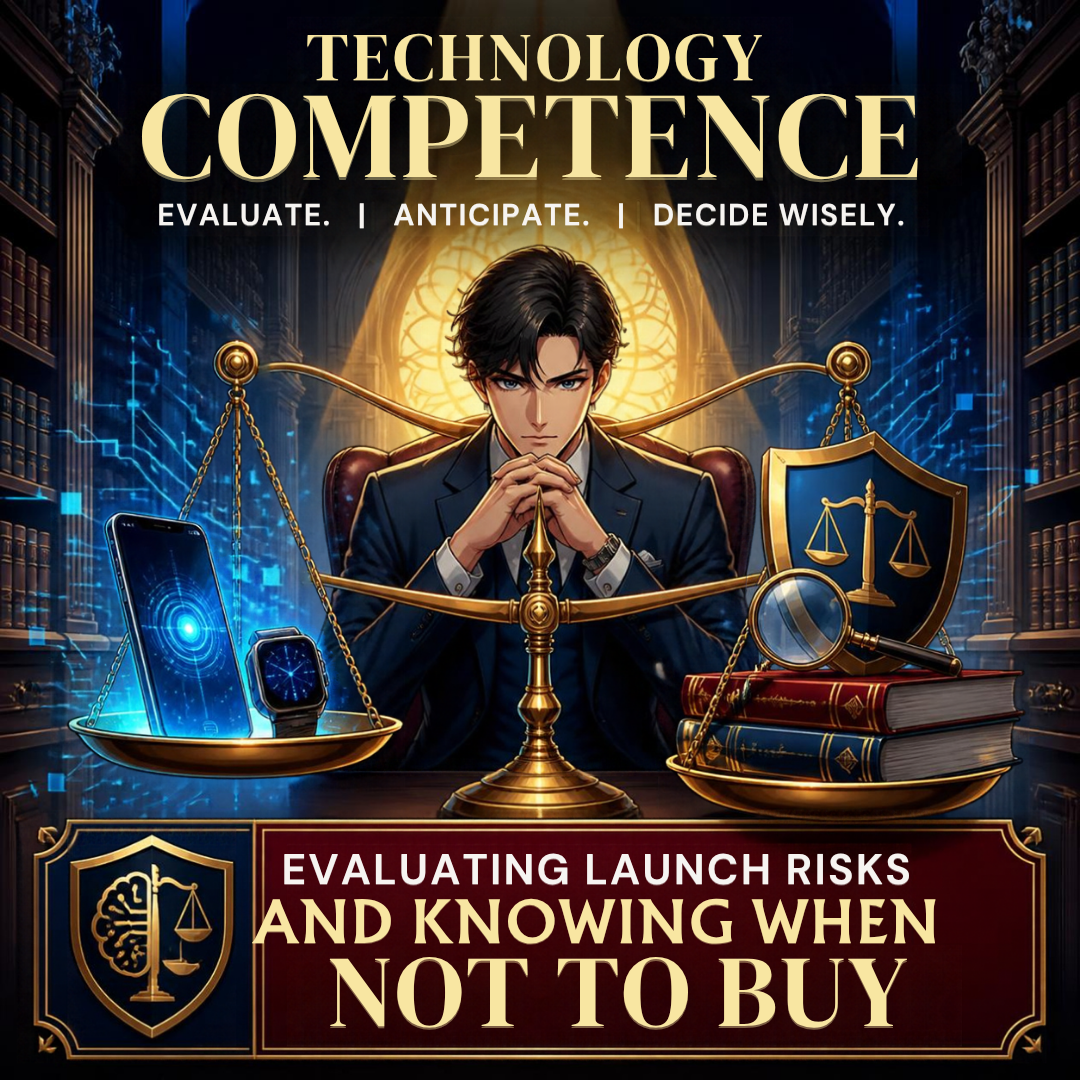
Rule 1.1, Comment 8 (Competence) 📚 requires lawyers to keep abreast of "the benefits and risks associated with relevant technology." That duty covers your podcast host, your transcription service, and your video platform. It is not limited to AI.
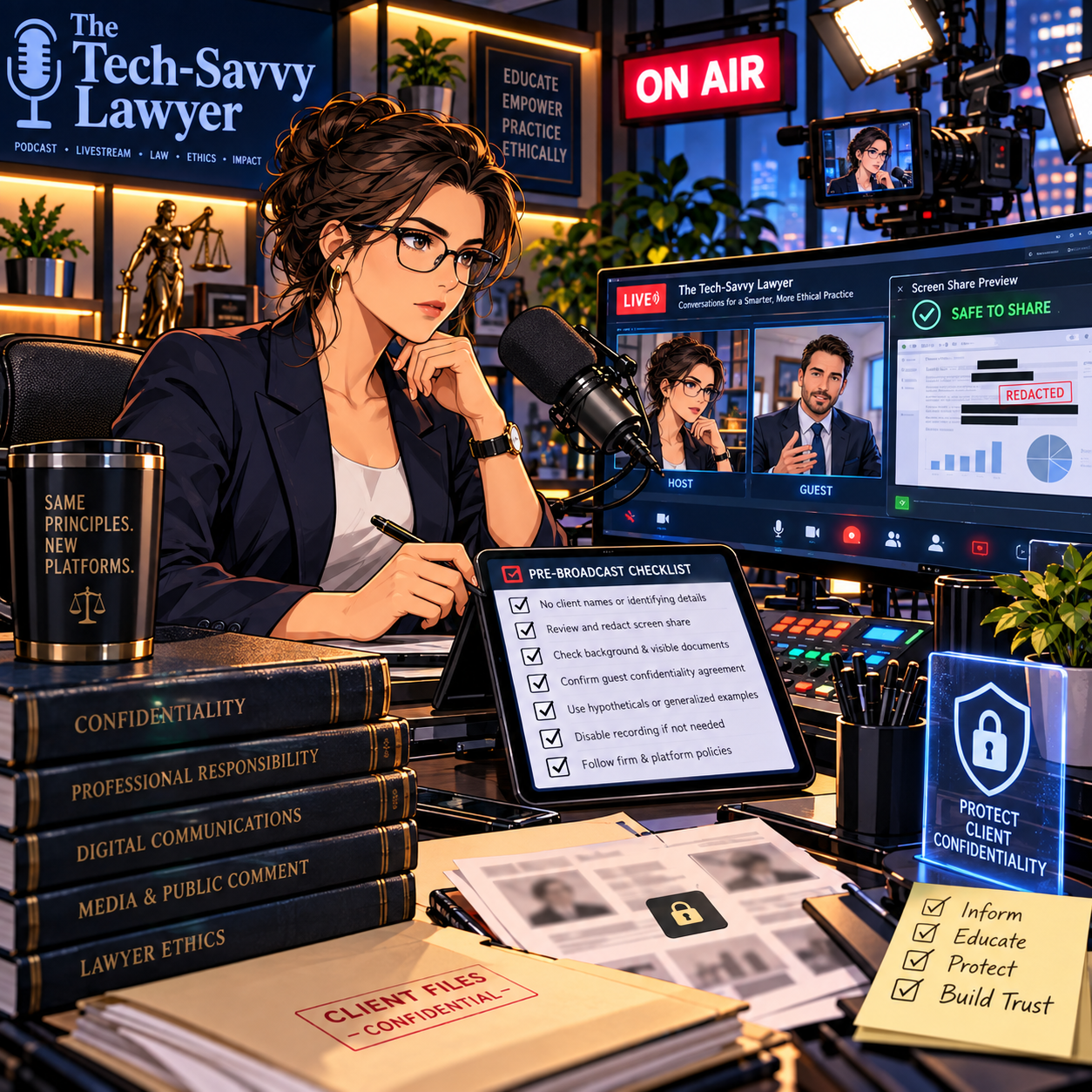
Rule 1.6(c) (Confidentiality) 🔒 requires reasonable efforts to prevent unauthorized disclosure of client information. A careless client story on a podcast episode is a disclosure. So is an unedited recording that captures a confidential call from the next office.
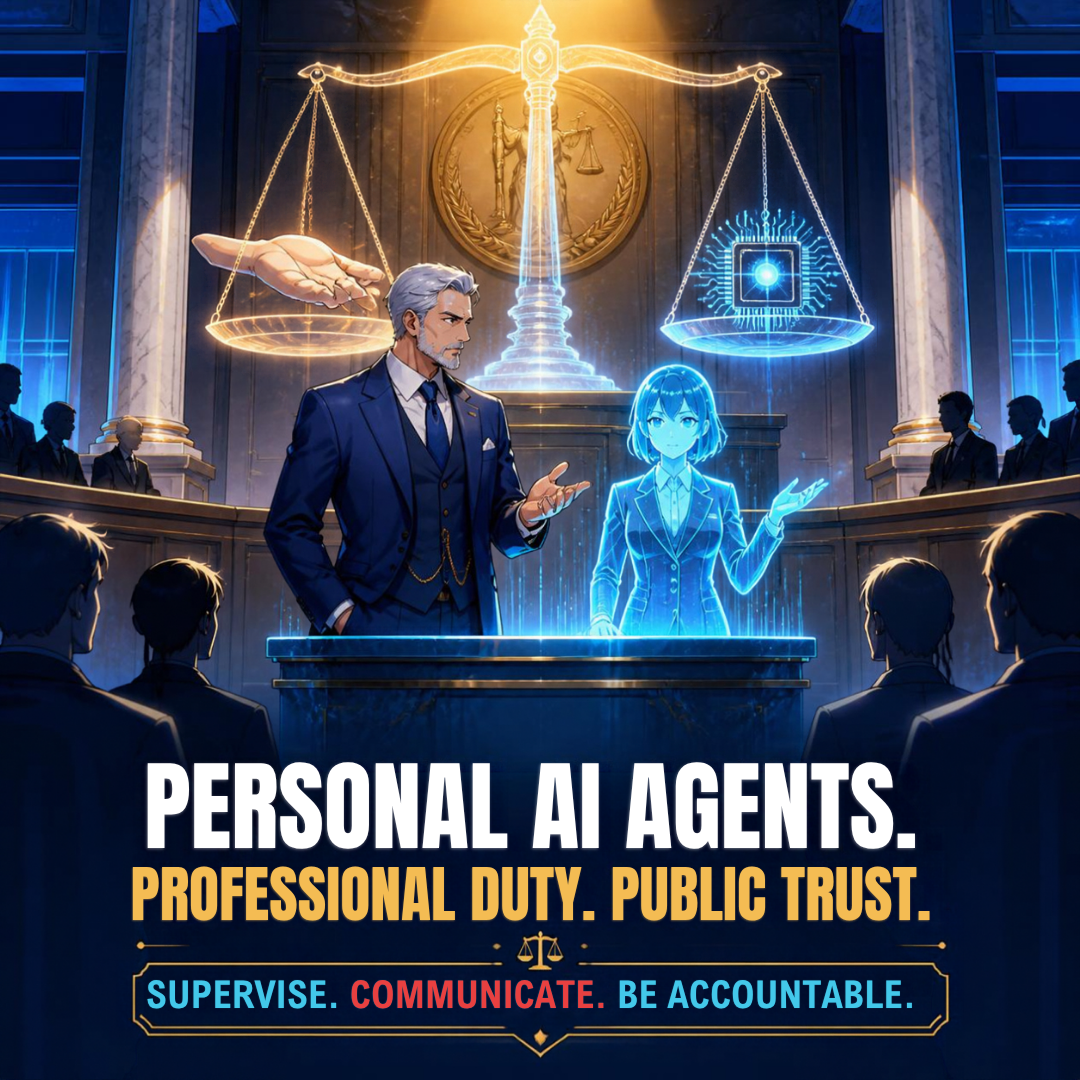
Rules 5.1 and 5.3 (Supervision) 👥 apply when an editor, producer, or virtual assistant touches your content. You remain responsible for their work.
Rule 7.1 (Communications About a Lawyer's Services) 📢 applies to what you say about yourself and your results on air. A podcast is a public communication about your practice.
Rule 5.5 (Unauthorized Practice) 🌎 matters once listeners in other states start sending you questions.
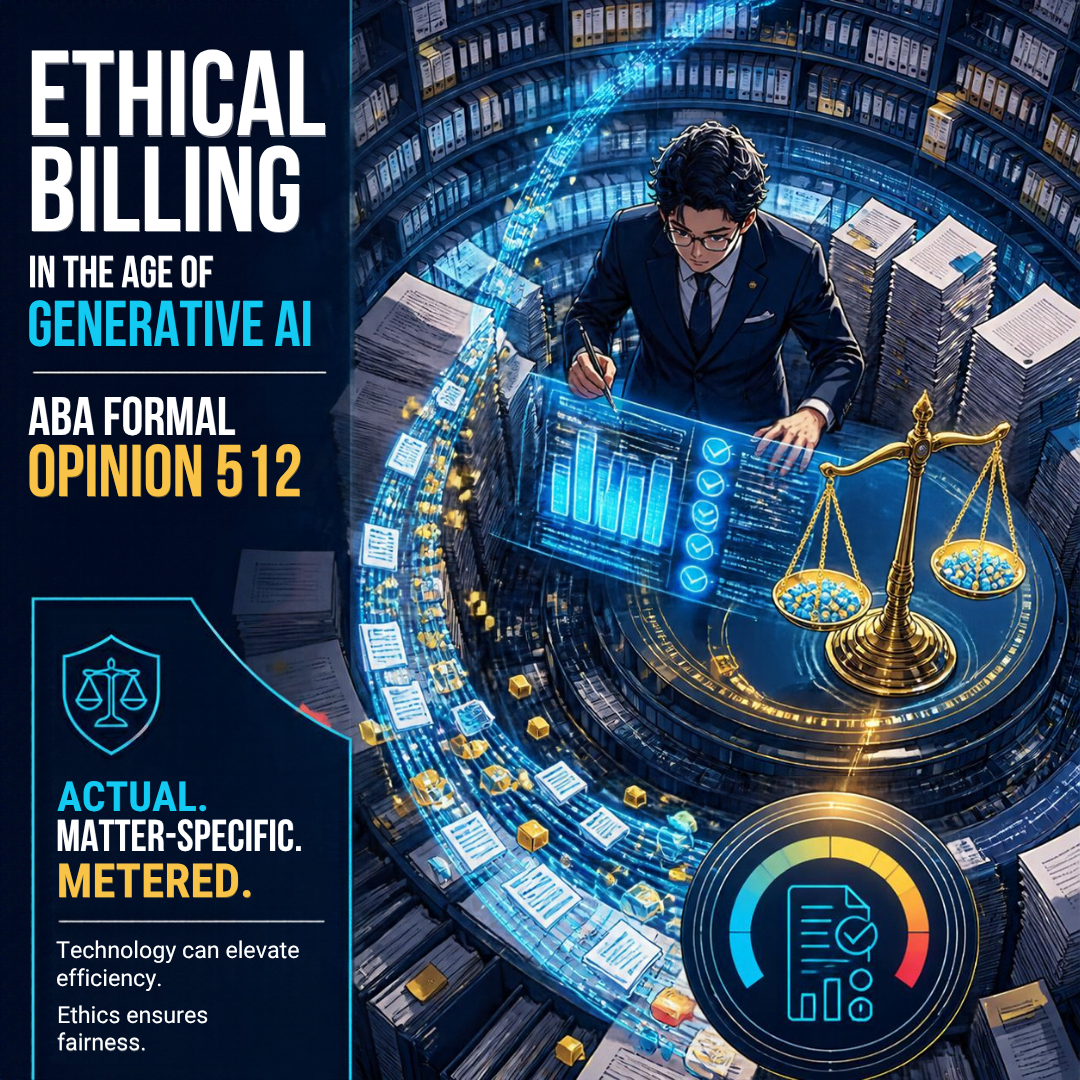
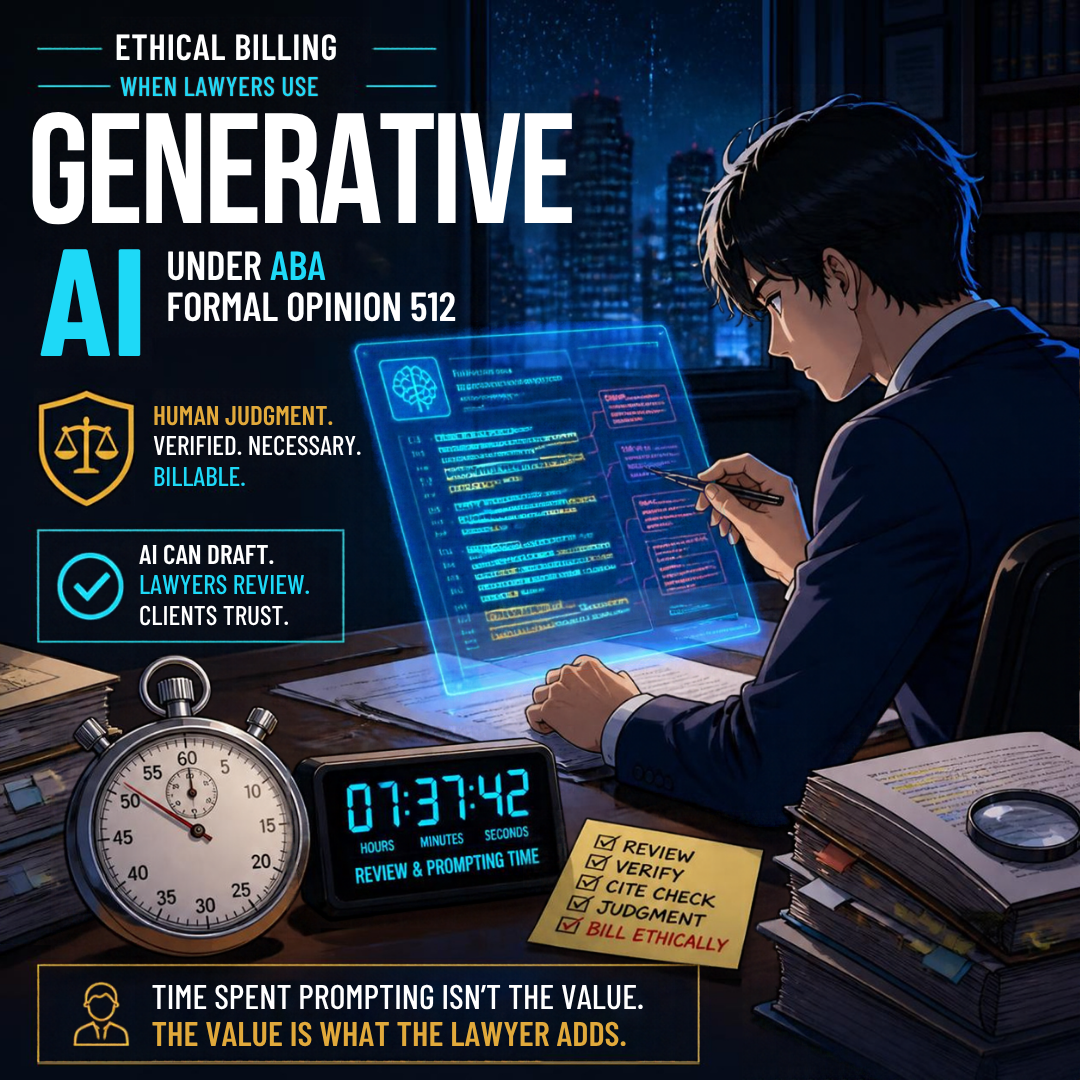
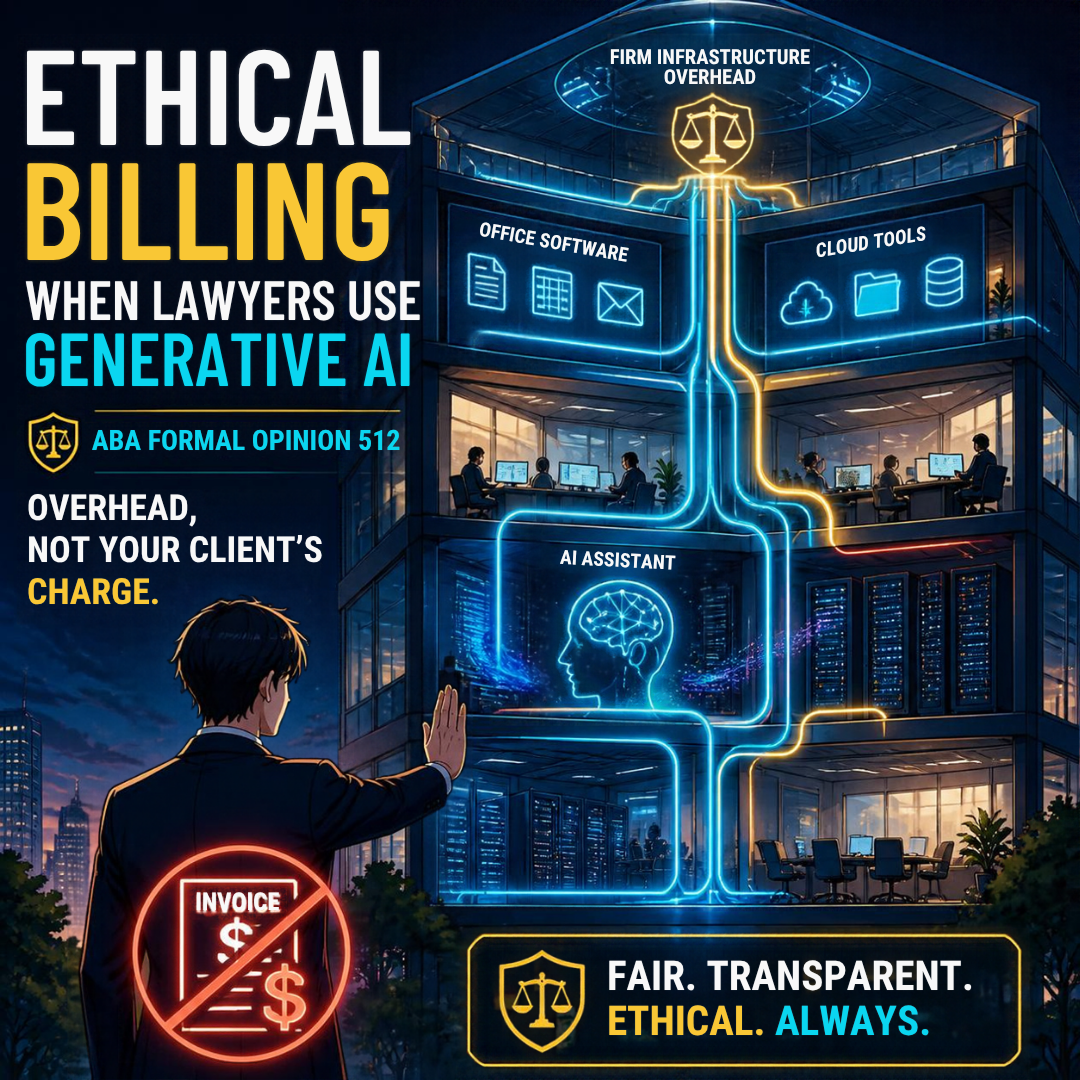
I explored how billing, disclosure, and Opinion 512 fit together in MTC: How Should Lawyers Bill for AI? Time, Tokens, Overhead, and Flat Fees Under ABA Formal Opinion 512. I have also written about how search and AI now shape client discovery in MTC: Hidden AI, GEO, and the ABA Model Rules. The thread connecting these pieces is consistent. Educated use plus adherence to bar ethics equals responsible practice.
Why Podcasting Is the Right Place to Practice These Skills 🎧

The 2026 Lawyers’ Podcasting Conference: Ethics-First Legal Technology
Podcasting is one of the most practical ways for a lawyer to build authority, educate the public, and earn referrals. It also touches nearly every category of technology a modern firm relies on. You will handle audio and video capture, remote guest recording, cloud file storage, AI-assisted editing and transcription, RSS feeds, hosting platforms, search visibility, and social distribution.
Each of those tools brings its own benefits and risks. Learning them in a focused, ethics-first setting builds competence that carries back into your daily practice. The lawyer who knows how to secure a guest recording also understands how to protect a client video call. The lawyer who reads a hosting platform's terms of service will read an AI vendor's terms with the same care. 🧠
That is exactly why I created The Tech-Savvy Lawyer.Page Lawyers' Podcasting Conference.
What You Will Get in McLean 📍
The conference runs Friday and Saturday, November 13–14, 2026, in McLean, Virginia. The venue sits about a minute's walk from the Greensboro Metro station on the Washington, DC Metro Silver Line. 🚇
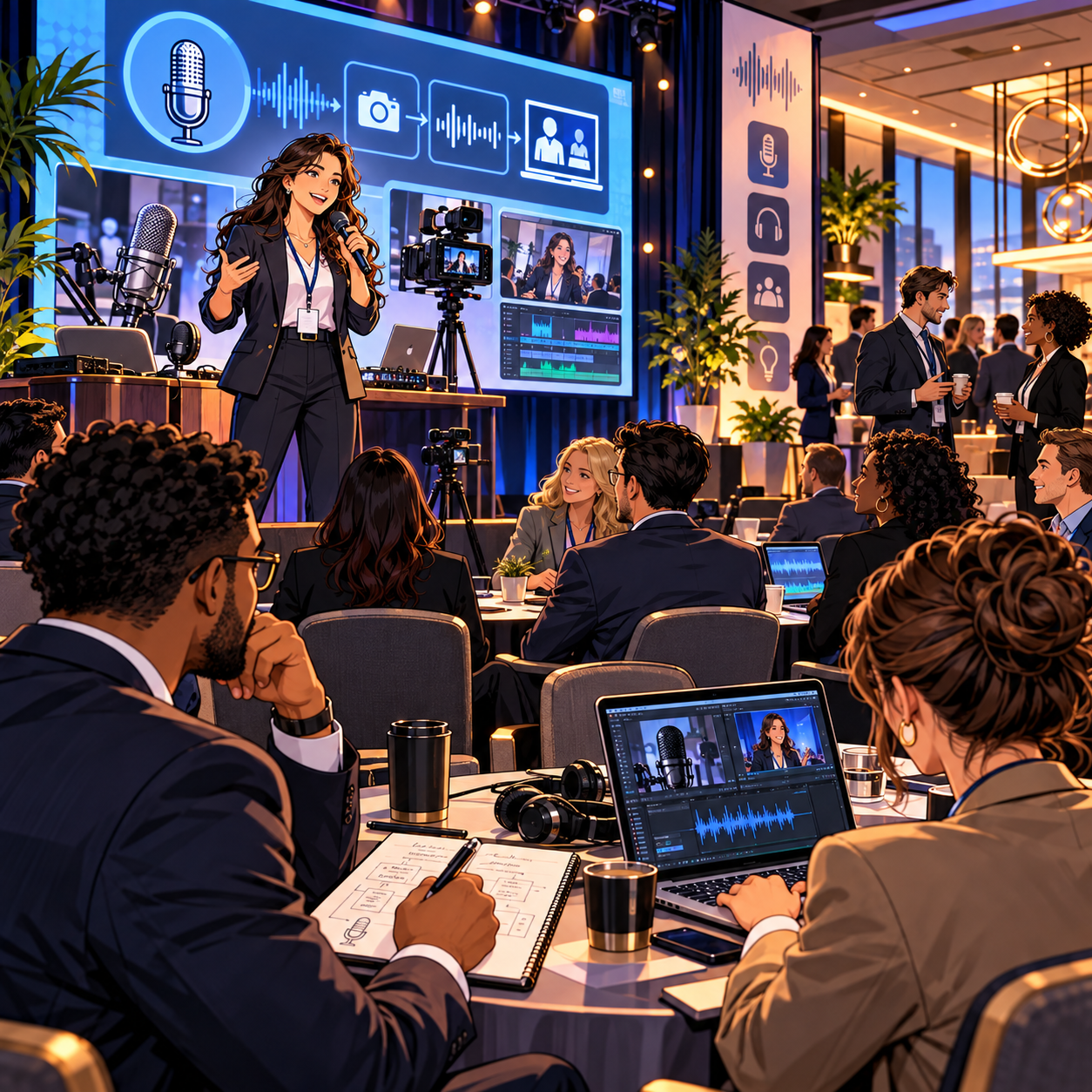
This is a hands-on program built on the framework from my book, The Lawyer's Guide to Podcasting. Over two days, you will work through:
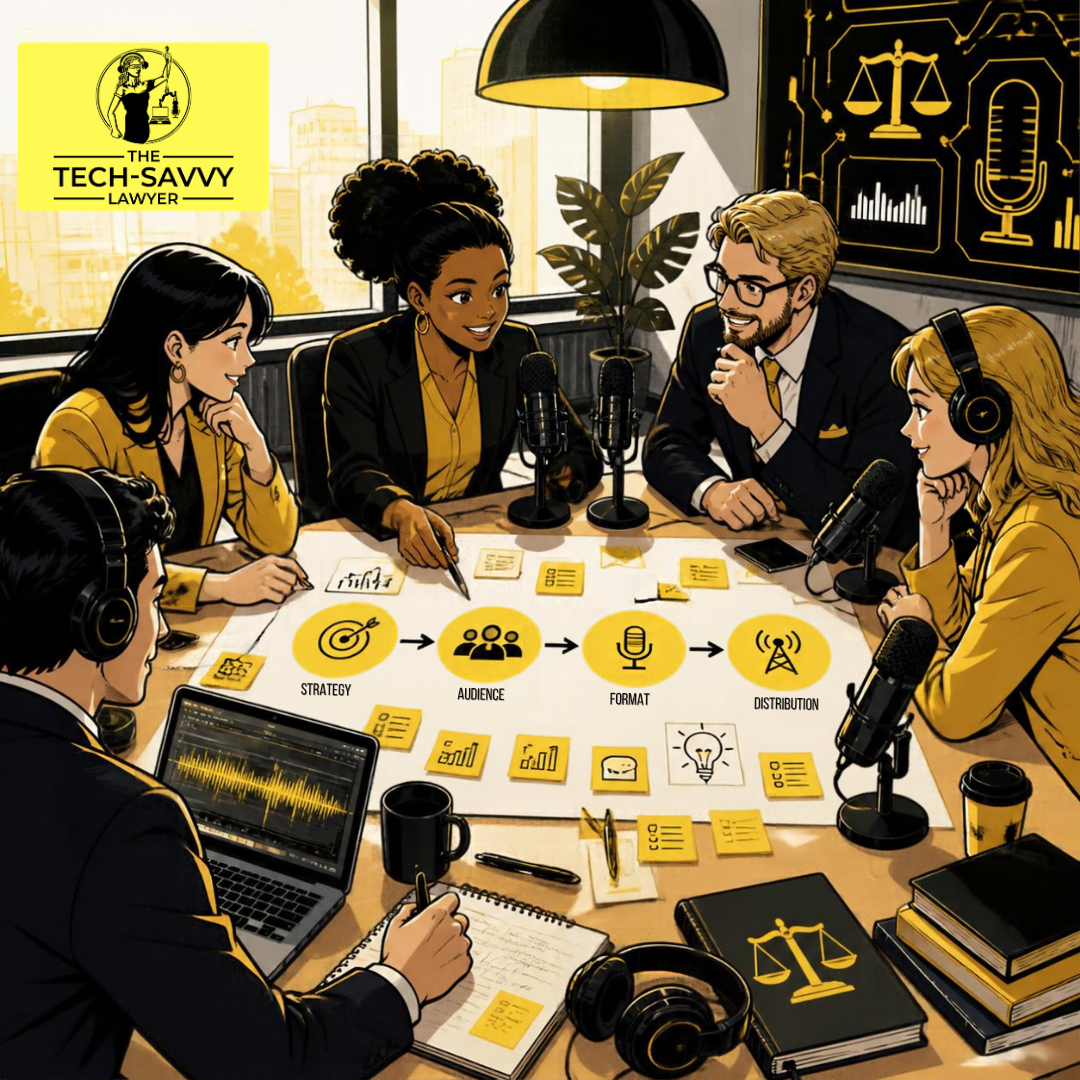
🎯 Show strategy: choosing a niche, an audience, and a format that fits your practice and calendar
🎤 Gear and recording: starting with what you already own and upgrading deliberately
✂️ Editing and production: including AI-assisted tools with mandatory human review
🌐 Hosting, RSS, and distribution: keeping control of your feed and your content
🔎 SEO and GEO: making your episodes findable by search engines and AI answer engines
⚖️ Ethics by design: confidentiality, advertising, supervision, and multijurisdictional issues built into your workflow from day one
You will leave with a workable show concept, a production workflow, a publishing plan, and a jurisdiction-aware ethics checklist. 🗂️
Learn From Lawyers Who Have Done It 🌟
Our confirmed faculty currently includes:

Build Authority Responsibly: Podcasting and Legal Technology Ethics
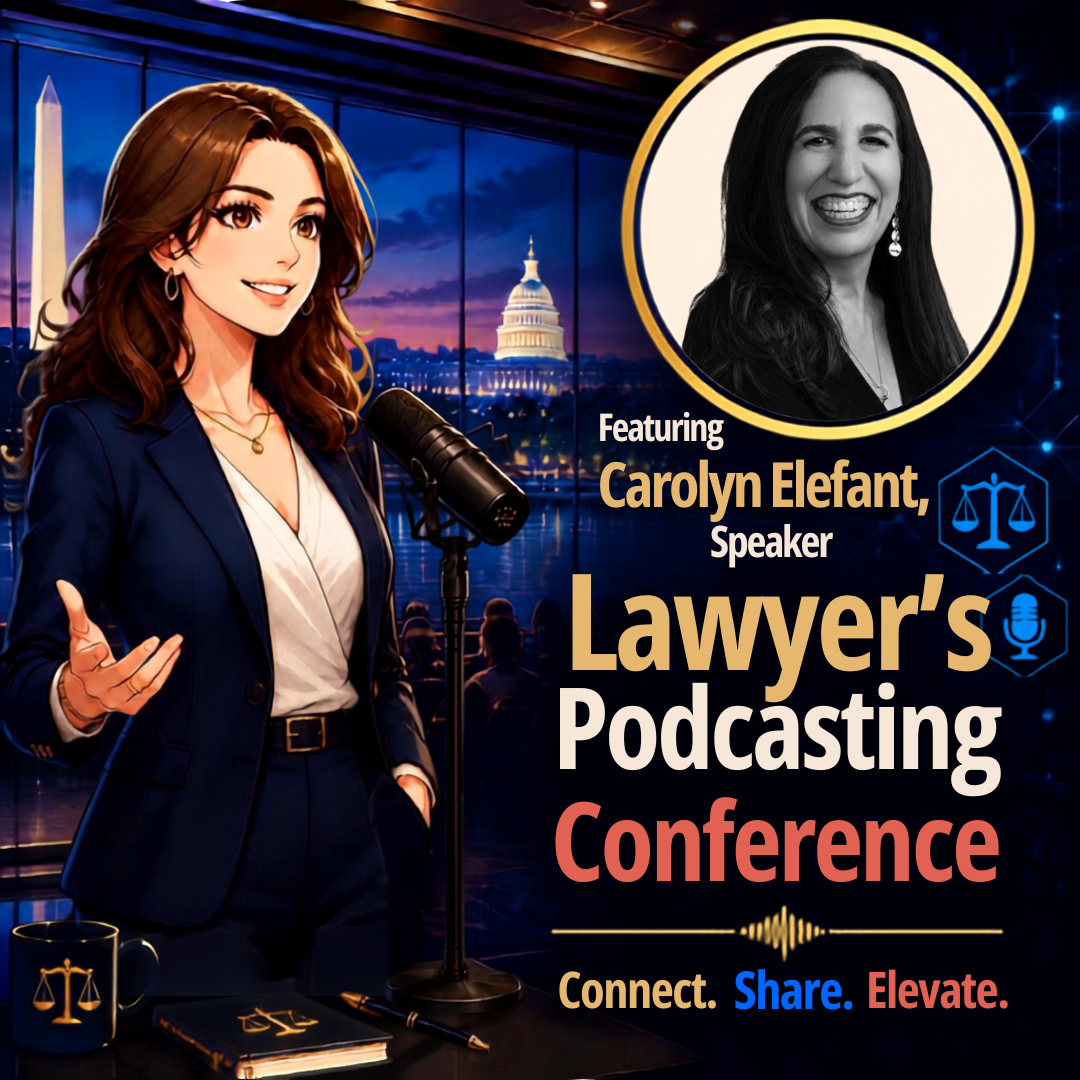
Carolyn Elefant of My Shingle, a longtime champion of solo and small-firm practice (Carolyn Elefant Confirmed as First Speaker)
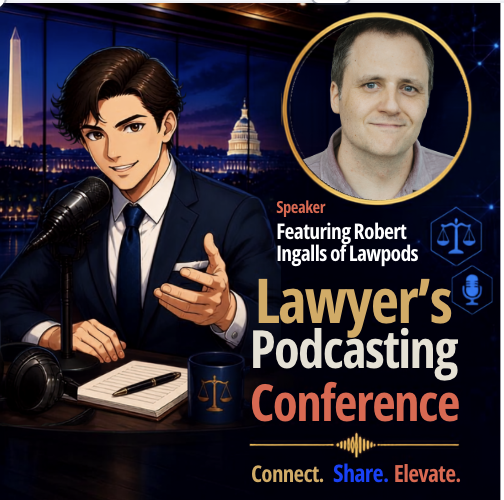
Robert Ingalls, who joins me on why lawyers should podcast and when to outsource production (Robert Ingalls Joins the Conference)
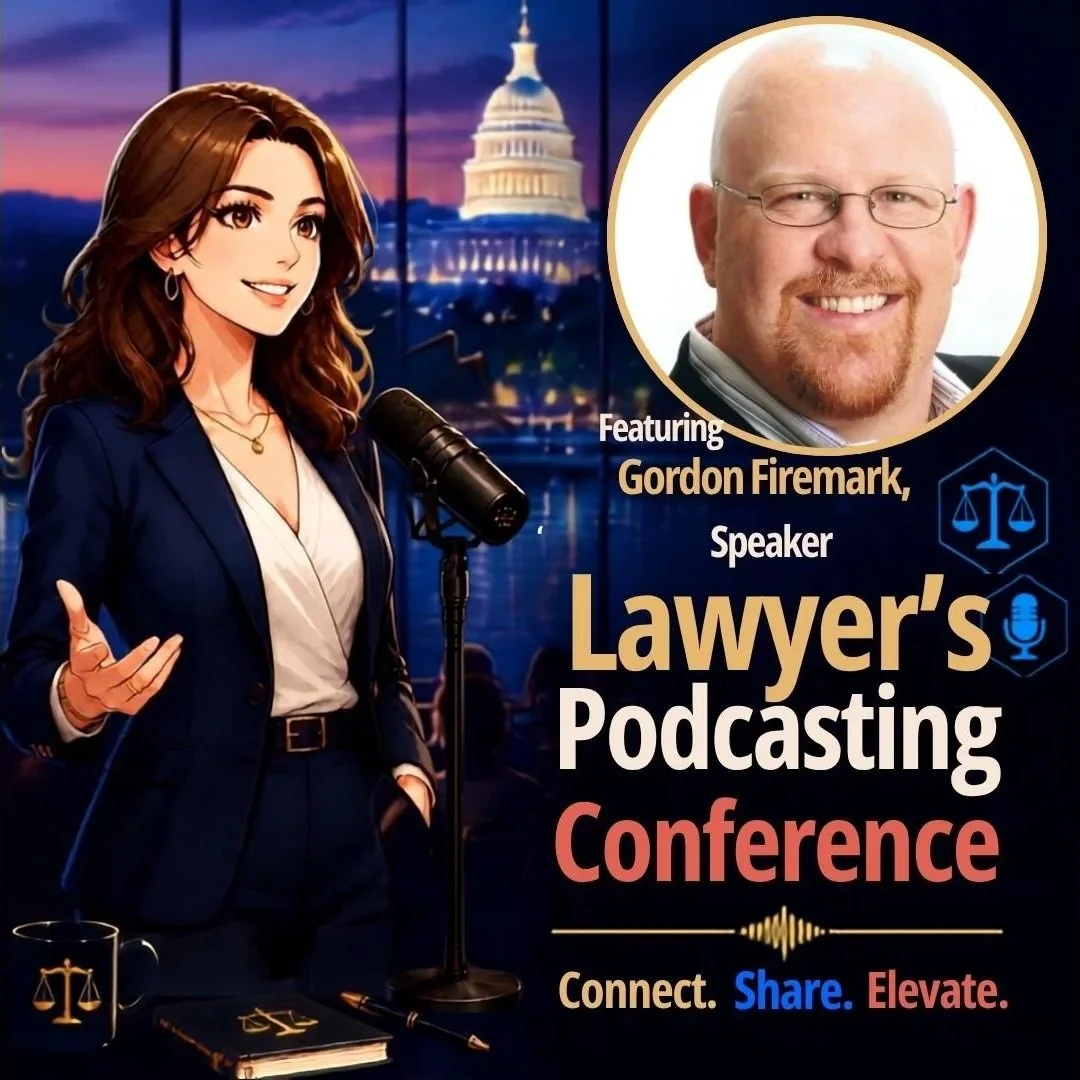
Gordon Firemark, The Podcast Lawyer™, who brings deep experience in media and entertainment law (Meet New Speaker Gordon Firemark)
You Do Not Need to Be "Technical" 💡
If you attended yesterday's PBI program, you already proved something important. You are willing to learn new tools and the rules that come with them. That is the only prerequisite. Windows users, Mac users, first-time creators, and seasoned podcasters are all welcome.
Many of you told me yesterday that you feel pressure to "do something" with technology but are unsure where to start. Podcasting gives you a concrete project with a clear finish line. You will also build skills that transfer directly to client service. 🚀
Reserve Your Seat Today 🎟️

How Lawyers Can Podcast Securely, Ethically, and Effectively!
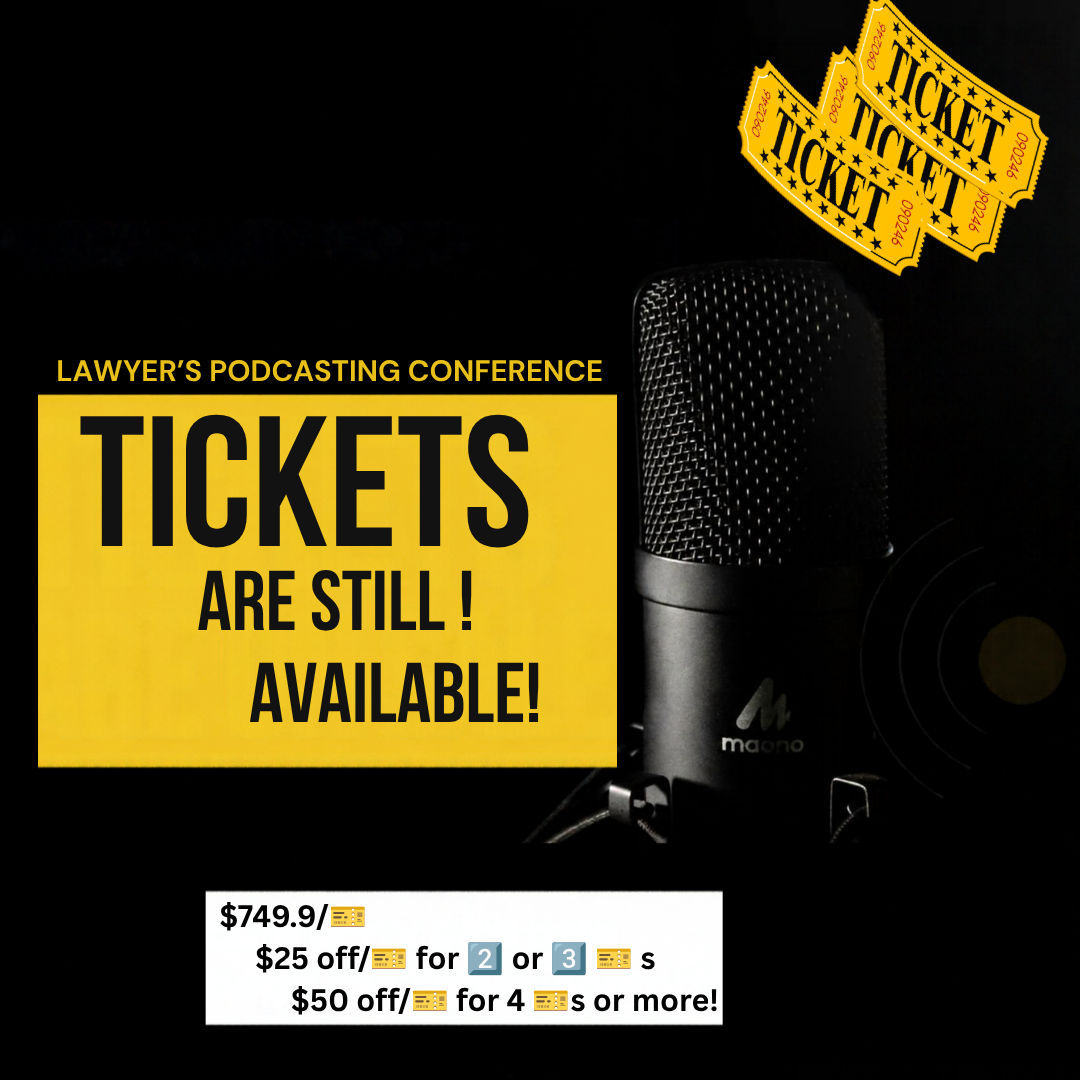
Registration is **$749.99** per attendee. Firms sending two or three people save $25 per ticket. Groups of four or more save $50 per ticket. Seats for a hands-on program are limited by design, so please do not wait.
👉 Get your tickets and full conference details here.
Have a question first? Email me directly at LPC@TheTechSavvyLawyer.Page. Please keep client details out of your message. Rule 1.6 applies to your inbox, too. 😉
Yesterday we talked about the tools and the rules of AI. In McLean, we will apply that same discipline to the full technology stack behind a professional podcast. I hope to see you there! 🎙️⚖️
Happy Lawyering!
Michael D.J.
The Tech-Savvy Lawyer.Page